 Maxim Skorohod, SkoreHood
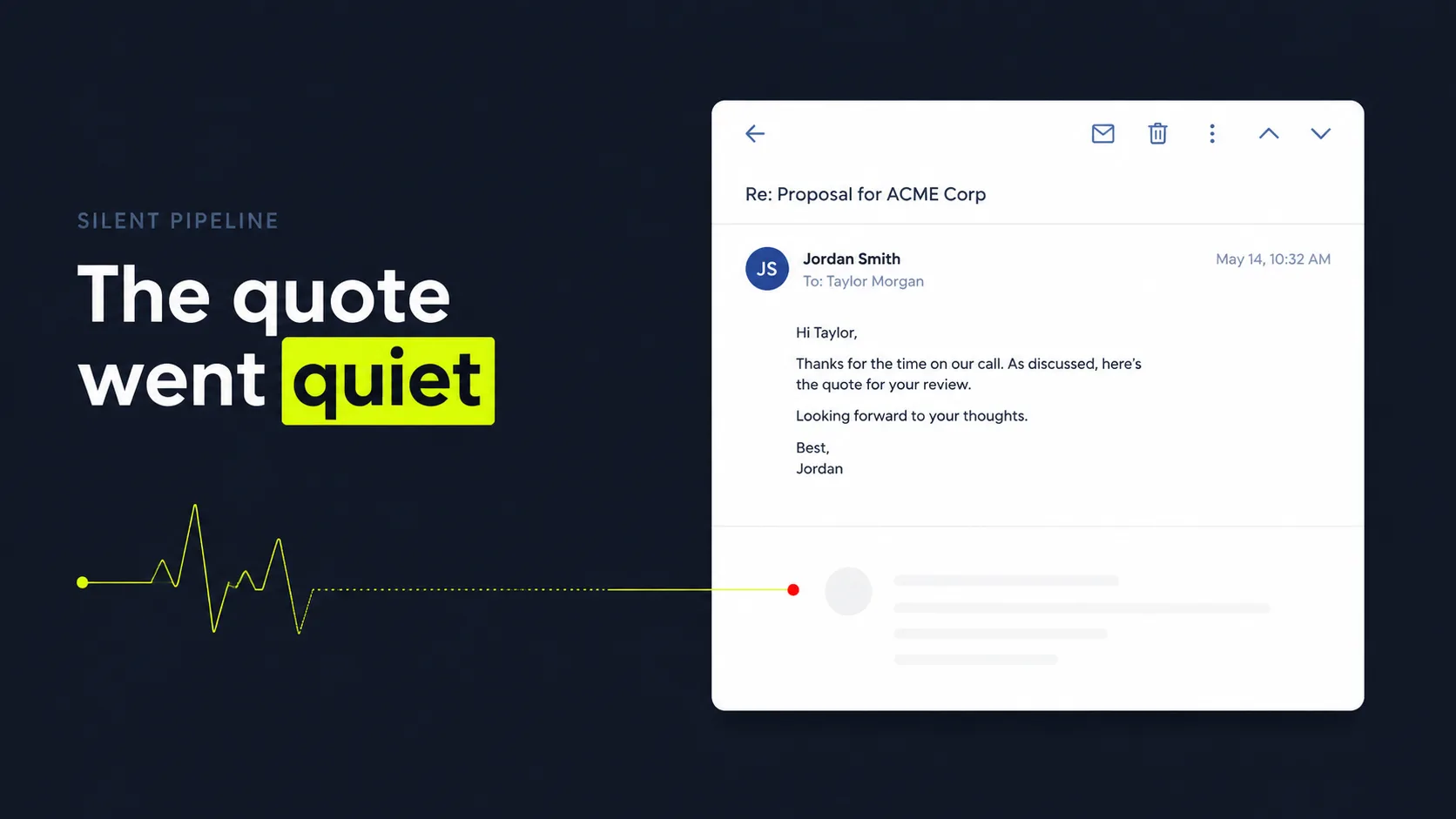
How do you use these quote follow-up templates?
Use these templates as a timed sequence, not one-off emails. Send the right touch at the right interval, fill in the bracketed fields, and stop the moment the customer replies. Speed and consistency win. As a long-standing historical benchmark, contacting a lead within 5 minutes makes a firm 21x more likely to qualify it than waiting 30 minutes, per Harvard Business Review (2011). More recent data backs it up: conversion rates run about 8x higher when you engage within the first 5 minutes, per InsideSales (2021). The same urgency applies to chasing a quote.
Think of the sequence as a relay, not a single sprint. Every template below has fill-in fields in brackets, like [Customer name], [Job], and [Price]. Swap those for the real details before you send. Then work the timing in order:
- Day 0 (same day): Template #1, confirm receipt. Send right after the quote goes out. Confirm it landed, restate the price and scope in one line, and invite questions. This sets the relationship and gives you an open thread to reply into later.
- Day 2 to 3: Template #2, value/objection nudge. If there's no reply, send a touch that handles the likely hesitation, price, timing, or trust, and adds one reason to move forward now.
- Day 5 to 7: Template #3, check-in. A short, friendly "still want this done?" with a single easy question to answer. Keep it to three sentences.
- Day 10 to 14: Template #4, last-call/break-up. Give them a clear out. Counterintuitively, the break-up email often pulls the most replies, because it removes pressure instead of adding it. More on that below.
- Day 30+ (cold quotes): Template #5, re-engage. Reopen an old, silent quote with a fresh reason: a price still holding, a seasonal opening, or an updated option.
Citation capsule: Speed and consistency drive quote replies. As a long-standing historical benchmark, contacting a lead within 5 minutes makes a firm 21x more likely to qualify it than waiting 30 minutes, per Harvard Business Review (2011), and conversion stays about 8x higher inside that 5-minute window, per InsideSales (2021). Use a quote follow-up as a timed sequence, day 0, day 2 to 3, day 5 to 7, day 10 to 14, and day 30+, with one clear ask per touch, and stop the moment the customer replies.
This post is the wording. For the reasoning behind the timing, channel choice, and how to adapt for contractors, read how to follow up on a quote without being annoying.
The quote follow-up email templates
These five templates cover the full life of a quote, from same-day confirmation to reviving a cold lead. The average B2B email reply rate fell to 5.8% in 2024, down from 6.8% in 2023, per Belkins (2025). Short, specific, one-ask emails beat that average. Copy the block you need, fill in the brackets, and send.
Run the math on a typical month. Picture 50 quotes at an average ticket of $2,000. If even three of those quotes die from silence that a sequence would have saved, that's $6,000 walking out the door every month. $72,000 a year. Not lost on price. Lost on quiet. That's the leak these templates are built to plug.
Building follow-up for agencies, consultancies, and contractors, we've found the same-day confirmation matters most. It opens a real thread, so every later touch lands as a reply, not a fresh cold email. Skip it and your day-three nudge feels like it came from nowhere.
Here is the whole sequence at a glance, so you can see the single ask and subject line behind each touch:
| Touch | When to send | The one ask | Example subject line |
|---|---|---|---|
| #1 Confirm receipt | Day 0 (same day) | Did the quote come through okay? | Your quote for [Job] - [Business name] |
| #2 Value/objection nudge | Day 2 to 3 | Want me to hold that slot? | Quick thought on your [Job] quote |
| #3 Check-in | Day 5 to 7 | Good to move forward? | Still want the [Job] done? |
| #4 Last-call/break-up | Day 10 to 14 | Should I close this out? | Should I close out your [Job] quote? |
| #5 Re-engage cold quote | Day 30+ | Is this still on your list? | Reopening your [Job] quote - [reason] |
Template #1: Confirm receipt (Day 0)
Subject: Your quote for [Job] - [Business name]
Hi [Customer name],
Thanks for the chance to quote your [Job]. I've attached it here: the total is [Price] and covers [one-line scope].
Did everything come through okay? Happy to walk through any line item or adjust the scope if something's off.
Just reply here and I'll sort it out.
[Your name], [Business name]
Template #2: Value/objection nudge (Day 2 to 3)
Subject: Quick thought on your [Job] quote
Hi [Customer name],
Following up on the [Job] quote I sent. A couple of customers ask the same thing first, so worth saying up front: [address top objection, e.g. "the price includes parts, labor, and cleanup, no surprise add-ons"].
If timing's the holdup, I've got [day/window] open and can lock it in for you now.
Want me to hold that slot?
[Your name]
Template #3: Check-in (Day 5 to 7)
Subject: Still want the [Job] done?
Hi [Customer name],
Just checking in on the quote for your [Job]. No pressure at all, I know these decisions take a minute.
Are you good to move forward, or is there something you'd like me to change?
[Your name]
Template #4: Last-call/break-up (Day 10 to 14)
Subject: Should I close out your [Job] quote?
Hi [Customer name],
I haven't heard back, so I'll assume the timing isn't right and close this one out on my end. Totally fine, life gets busy.
If you'd still like to go ahead, just reply by [date] and I'll hold the [Price] quote and your spot. After that I'll release it.
Either way, thanks for considering us.
[Your name]
Template #5: Re-engage a cold quote (Day 30+)
Subject: Reopening your [Job] quote - [reason]
Hi [Customer name],
A while back I quoted your [Job] at [Price]. I wanted to reach out because [fresh reason, e.g. "I've got a cancellation next week" or "that pricing still holds through [month]"].
Is this still on your list? If so, I can [easy next step]. If not, no worries, just let me know and I'll stop following up.
[Your name]
Citation capsule: The average B2B email reply rate fell to 5.8% in 2024, down from 6.8% in 2023, per Belkins (2025). Short quote follow-ups with one ask each beat that average. A five-touch sequence, confirm receipt, value nudge, check-in, break-up, and cold re-engagement, gives the customer a reason to reopen at every stage without overwhelming them.
Want this to run hands-off? See how to auto-send this whole sequence after every quote.
How do you adapt these for estimates and proposals?
The same five templates work for estimates and proposals with small tweaks to the wording and timing. An estimate is a ballpark, so soften the ask. A proposal is bigger and slower, so stretch the gaps and expect more stakeholders. Buyers now run most of the process themselves: B2B buyers spend only about 17% of their buying journey with sales reps, per Gartner (2023), so your follow-up has to do real work while you're not in the room.
The structure stays identical, one ask, a reason to reopen, an easy yes. Adjust these three things:
- Estimates: Swap "quote" for "estimate" and acknowledge it's a range. Ask a softer question, like "Want me to firm this up into an exact price?" That turns a rough number into a real next step.
- Proposals: Stretch the timing. Use day 0, day 4, day 10, and day 21 instead of the faster quote cadence, since proposals involve more people and longer decisions. Offer to walk a group through it.
- High-value jobs: Add a phone or text option in the email. For bigger decisions, "happy to call and answer questions, just say when" lowers the effort to a yes.
Most teams get this rule backward. The bigger the number, the more your follow-up should reduce effort, not add urgency. On a $500 estimate, a deadline nudge works fine. On a $15,000 proposal, the customer has to loop in a partner or a manager, so pushing harder backfires. What actually moves it is offering to do the explaining for them, on a call, in writing, to the whole group. You're not chasing. You're removing the work that stands between them and yes.
Citation capsule: B2B buyers spend only about 17% of their buying journey meeting with sales reps, per Gartner (2023). That makes every quote, estimate, and proposal follow-up critical. The same five-touch templates adapt by softening the ask for estimates, stretching the timing for proposals, and adding a call option for high-value jobs that involve multiple decision-makers.
For bigger jobs, our breakdown of when and how often to follow up covers the slower cadence in detail.
What mistakes kill your template reply rate?
Two template mistakes cost the most replies: a vague subject line and no clear ask. When a follow-up window closes, customers don't wait: 56% immediately try another channel and 28% abandon the purchase entirely, per Nextiva (2025).
- Vague subject lines. "Following up" or "Checking in" tells the reader nothing. Name the job and the business: "Your quote for the bathroom remodel - Acme Plumbing." Specific subjects get opened.
- No clear ask. If the email doesn't end with one simple question or next step, the customer has nothing to reply to. One ask per email, every time.
For the broader mistakes that make follow-up feel pushy, such as frequency, tone, and the wrong channel, see how to follow up on a quote without being annoying.
How does SkoreHood send and time these for every quote automatically?
SkoreHood's Quote Follow-Up Automation can send these templates for you: the right one fires at the right interval after every quote, the fields personalize from your records, and the sequence pauses the second a customer replies or books. It works with HubSpot, Pipedrive, PandaDoc, Gmail, and Outlook. Plans run from $149/mo (Starter, up to 30 active quotes) to $649/mo (Scale, unlimited), with a guarantee of 3 recovered deals in 30 days or your money back.
The day-ten break-up is the highest-reply touch and also the one a busy team skips, which is where automation earns its keep. How the setup works, what it costs, and where it should stop are covered in quote follow-up automation. To estimate the payoff, use the Quote Follow-Up Leak Calculator.
Send the follow-up your team keeps forgetting
The takeaway is simple: quotes don't close themselves, and the follow-up is where most jobs are won or lost. Use the five templates above as a timed sequence, give each touch one clear ask and a fresh reason to reopen, keep subject lines specific, and stop the moment the customer replies. That alone recovers deals that used to quietly go cold.
The catch is consistency. That $72,000-a-year leak almost never comes from one big mistake. It comes from the day-three nudge and the day-ten break-up, the exact touches a busy team forgets when they're heads-down on client work. That's where automation earns its keep: sending every template on schedule and stepping aside the instant a real conversation starts. Want to see what tighter quote follow-up is worth for your business? Book a Free Quote Audit, a 20-minute, no-pressure call where we map exactly where your quotes are leaking and what plugging the leak adds up to.
Next, see the full quote follow-up automation approach or learn how to auto-send the whole sequence after every quote.
Written and reviewed by Maxim Skorohod, Founder of SkoreHood, who builds AI automation, including quote follow-up, for small businesses, agencies, and consultancies. Last reviewed: 2026-06-07.
Proposals going quiet after you hit send?
Automated follow-up chases every open quote on schedule, so stalled deals get an answer instead of drifting to a competitor.